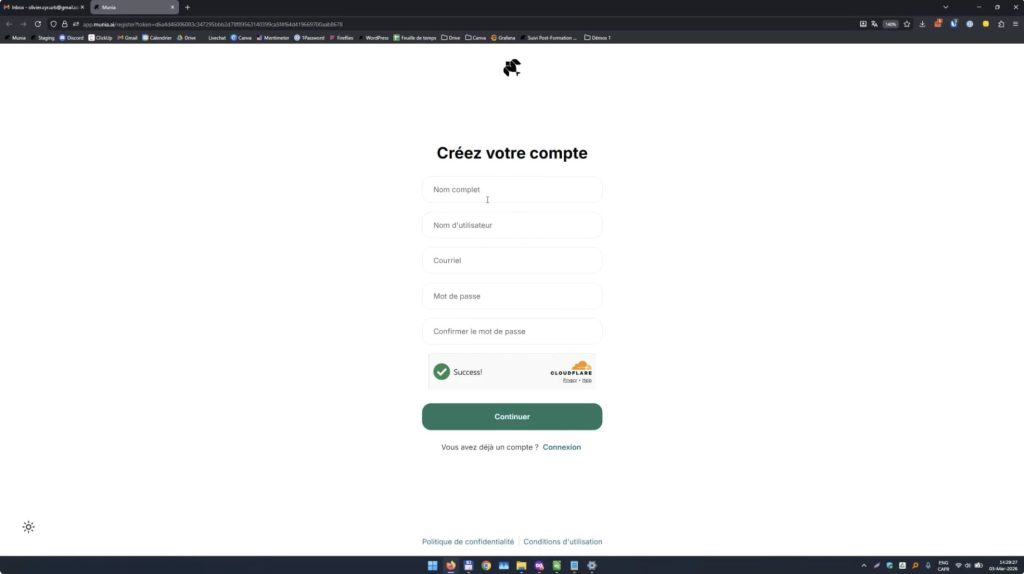
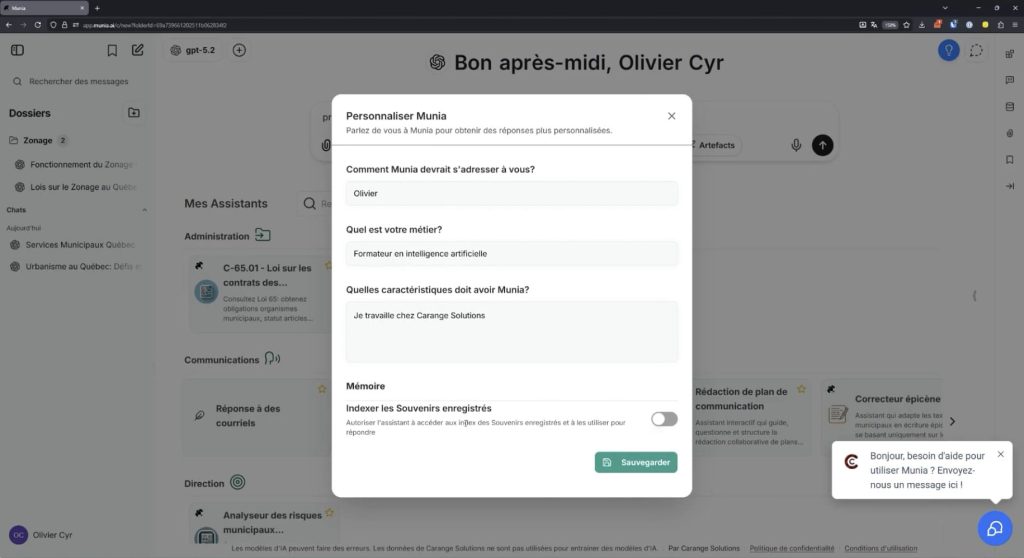
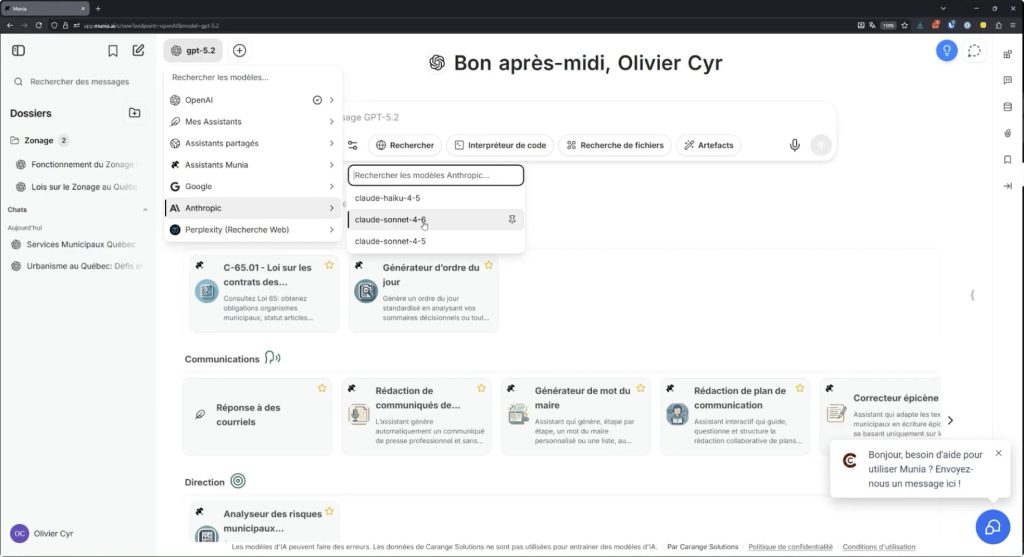
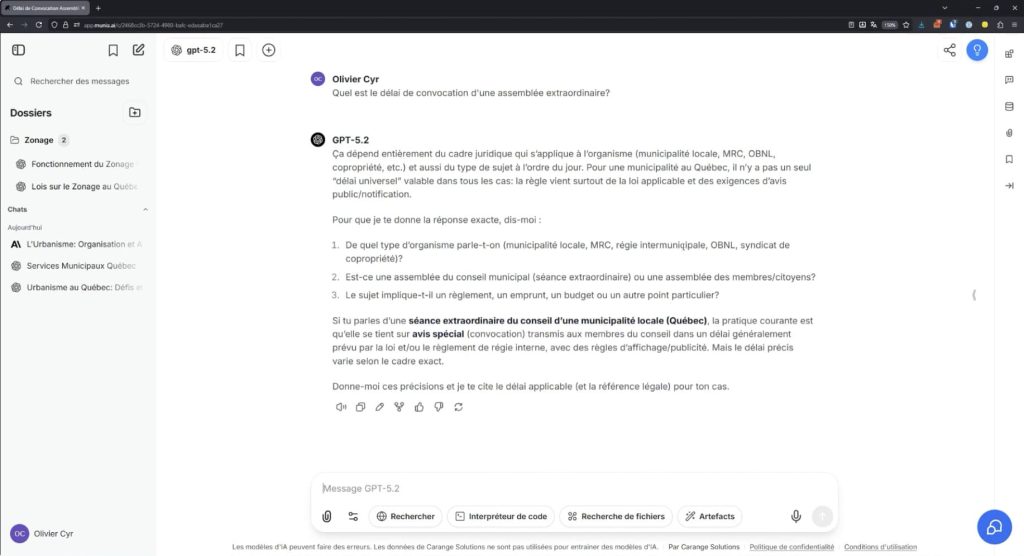
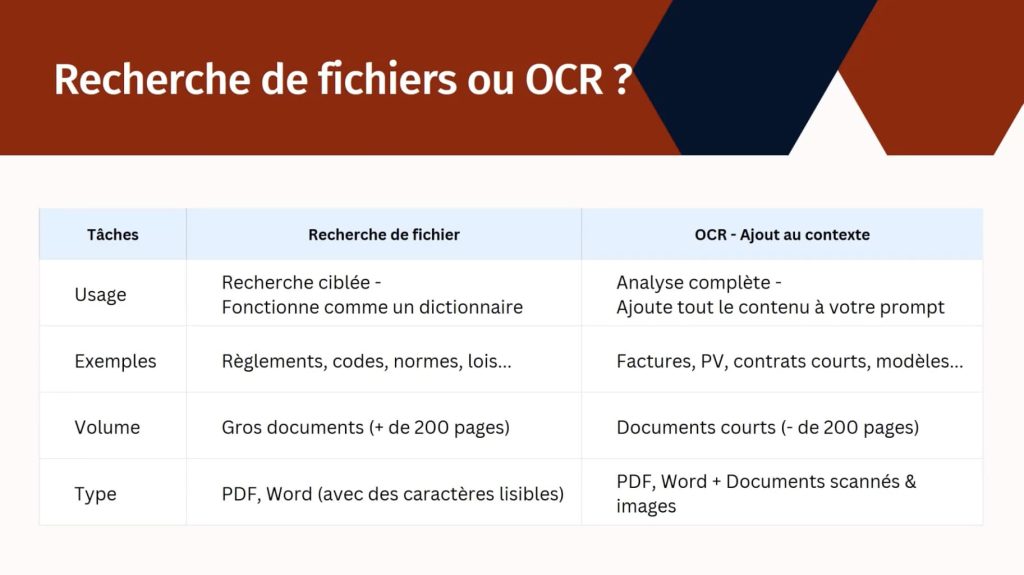
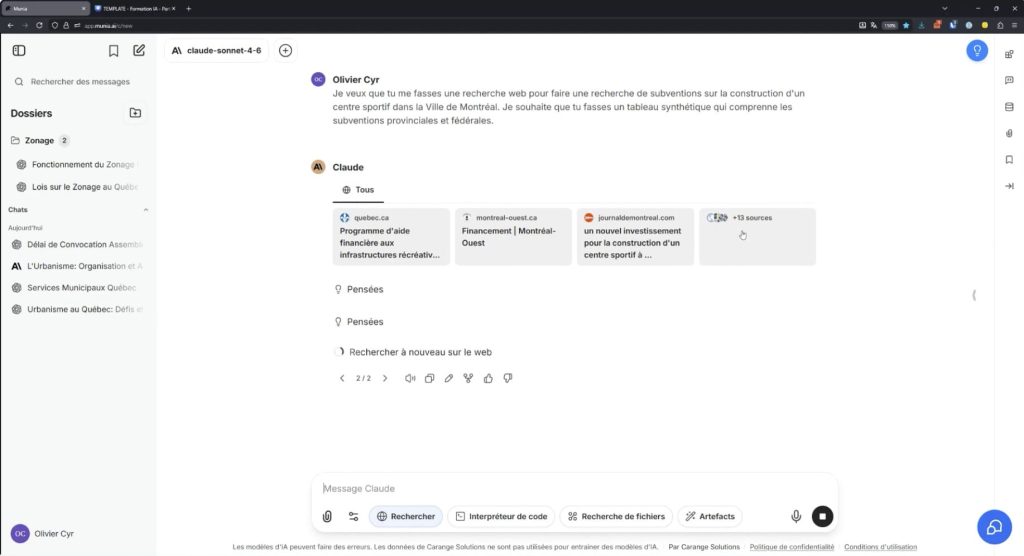
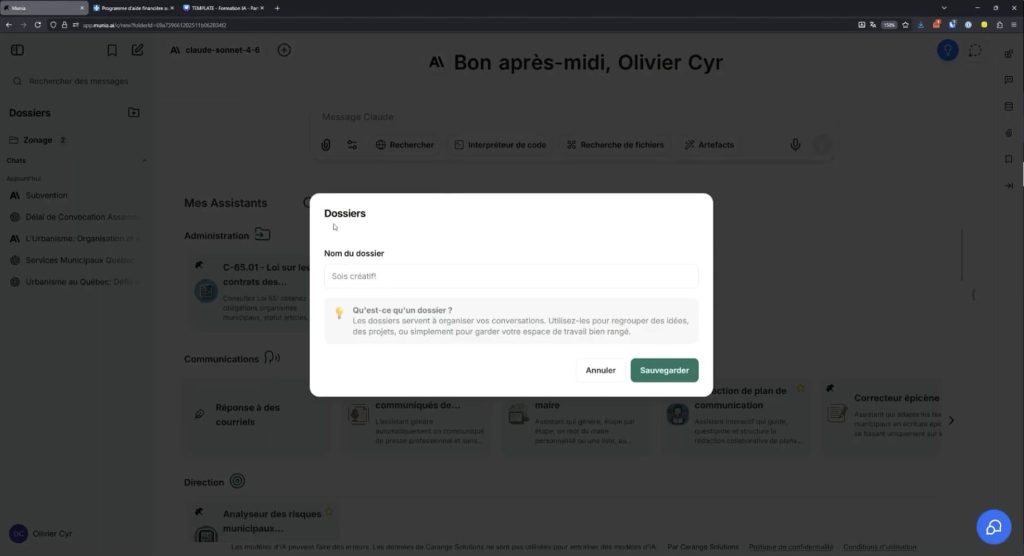
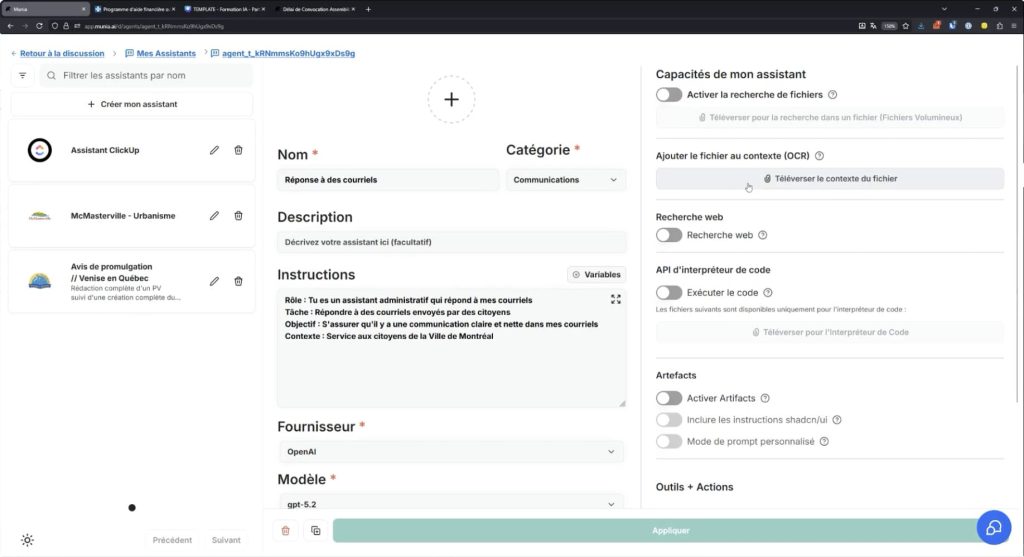
Munia tutorials Watch our 10 videos to get started with Munia. Learn the basics of the interface, then everything else Munia offers to help you in your daily work. 1 – Creating your account and changing your password Learn how to set up your Munia account in a few simple steps, starting from your invitation email. Watch the tutorial 2 – The Munia interface A full tour of the Munia interface to get started and set up your account on day one. Watch the tutorial 3 – Model and assistant directory Learn how to browse the directory of AI models and assistants to save time on your daily municipal tasks. Watch the tutorial 4 – Sending your first message Learn how to write and refine your first messages to the AI so you get useful, accurate answers. Watch the tutorial 5 – OCR upload and Search Munia offers two ways to upload files, depending on their type and length. Choosing the right method improves the quality of the AI's answers. Watch the tutorial 7 – Web search Turn on web search to get up-to-date information directly in your Munia conversations. Watch the tutorial 9 – Managing conversations Learn how to organize, find, delete and share your conversations directly in the Munia platform. Watch the tutorial 10 – Creating an assistant Set up your own assistant in Munia to save time on your routine tasks. Watch the tutorial