
Choosing between file search and OCR
Learn how to properly use search within a large file or OCR depending on your situation.
Updated on 6 Février 2026
Munia offers two ways to use your documents with artificial intelligence. This guide will help you choose the method suited to your need.
The dictionary and novel metaphor
To understand the difference between these two features, picture two types of books:
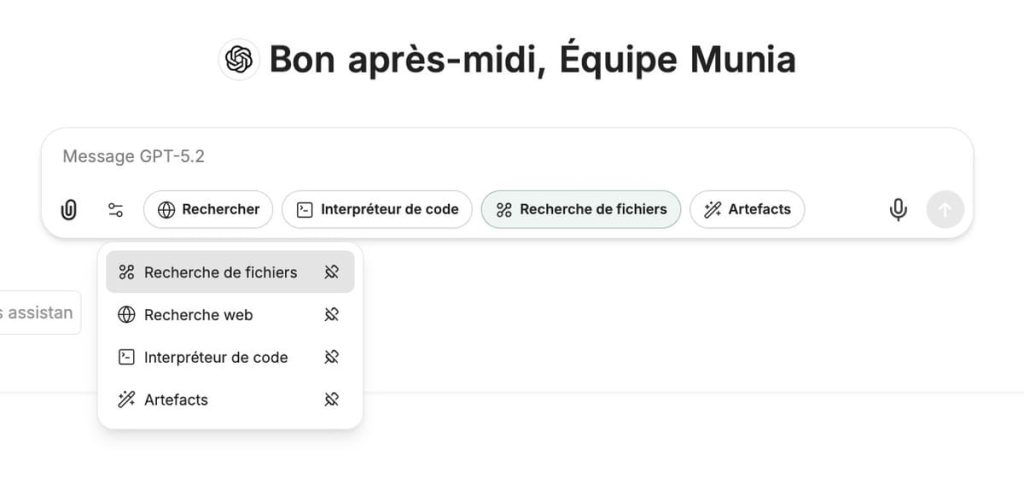
File search works like a dictionary: When you look up a definition, you do not read the entire dictionary. You go directly to the page that contains the information you are looking for. That is exactly the principle behind file search: the AI locates and extracts only the specific information you need.+
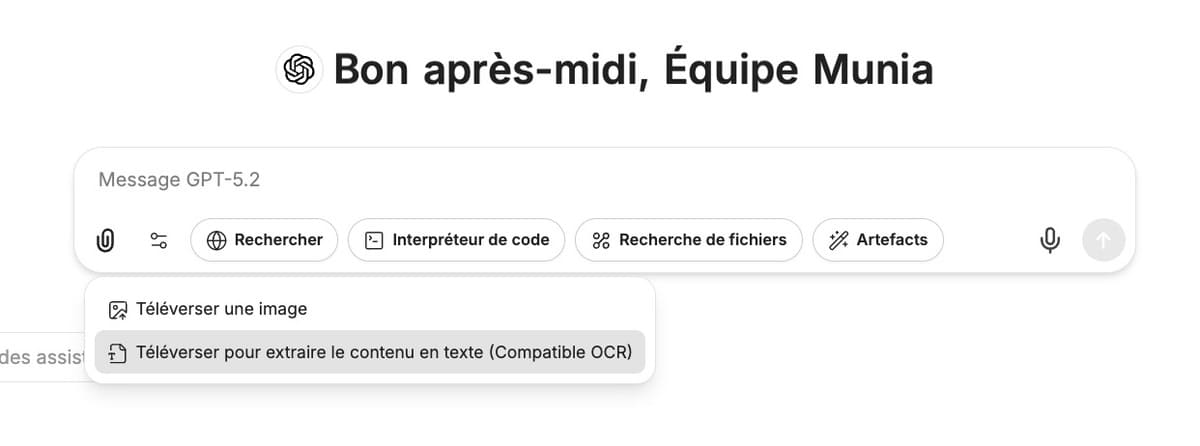
OCR works like a novel: If you want to summarize a novel, you necessarily have to read the whole book. OCR does the same thing: it reads your document in its entirety in order to understand all of its content and analyze it completely.
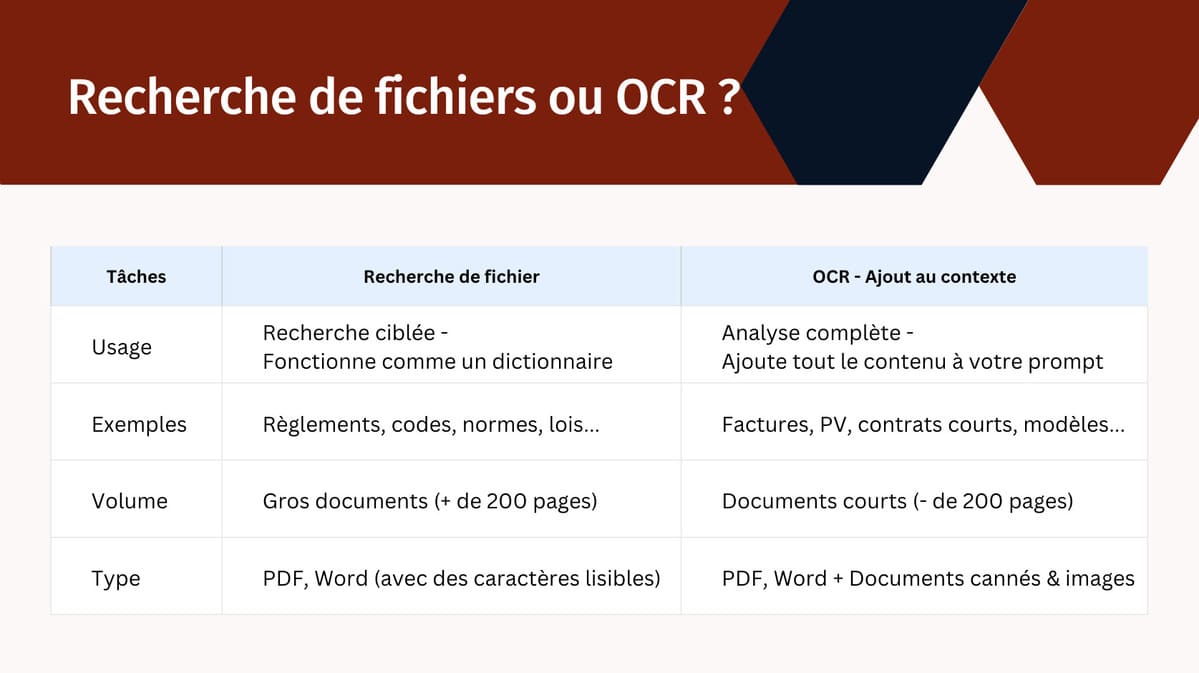
Comparison table of the two methods
Concrete municipal examples
- File search: Municipal by-laws, codes, provincial standards, acts
- OCR: Invoices, minutes, short contracts, bids, forms to process
Recommended volume
- File search: Large documents (more than 200 pages)
- OCR: Short documents (fewer than 200 pages)
Accepted file types
- File search: PDF and Word with selectable text
- OCR: PDF, Word, scanned documents and images
How to choose the right method in 3 questions
1. What is your objective
- Are you looking for specific information in a large document? → File search
- Do you need to analyze, summarize or extract several pieces of information? → OCR
2. What is the volume of your document
- More than 200 pages? → File search
- Fewer than 200 pages? → OCR (recommended by default)
3. What type of processing is required
- Searching for sections, clauses or references? → File search
- Using models, templates or extracting structured data? → OCR
Munia's general recommendation
For documents of a few dozen pages, always favour OCR. This method allows the artificial intelligence to have a complete understanding of the document and offers more flexibility in the analyses.
File search is really useful when:
- The volume of documents is very large (hundreds of pages)
- You are working with a set of documents (several by-laws, codes, etc.)
- You need to extract very specific information without analyzing the rest
Expected result
After reading this tutorial, you will be able to:
- Identify the method suited to your type of document
- Choose the tool according to your processing objective
- Optimize the use of AI according to the volume of your files