Account creation and password change
Learn how to set up your Munia account in a few simple steps from your invitation email.
Updated on 2026-03-06
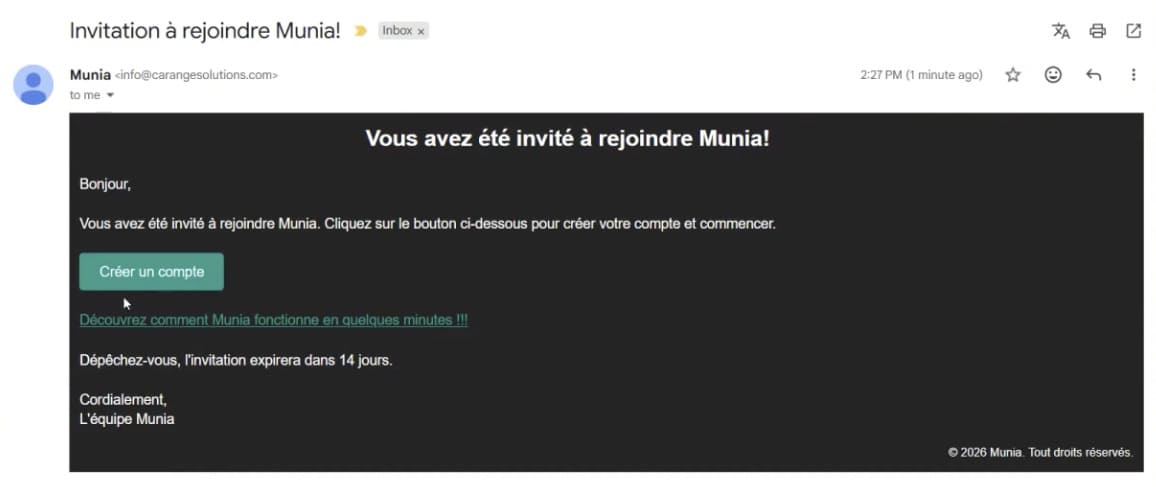
Step 1 - Open the invitation email
Find the email titled "Invitation to join Munia" in your inbox. Click the green button to access the account creation form.
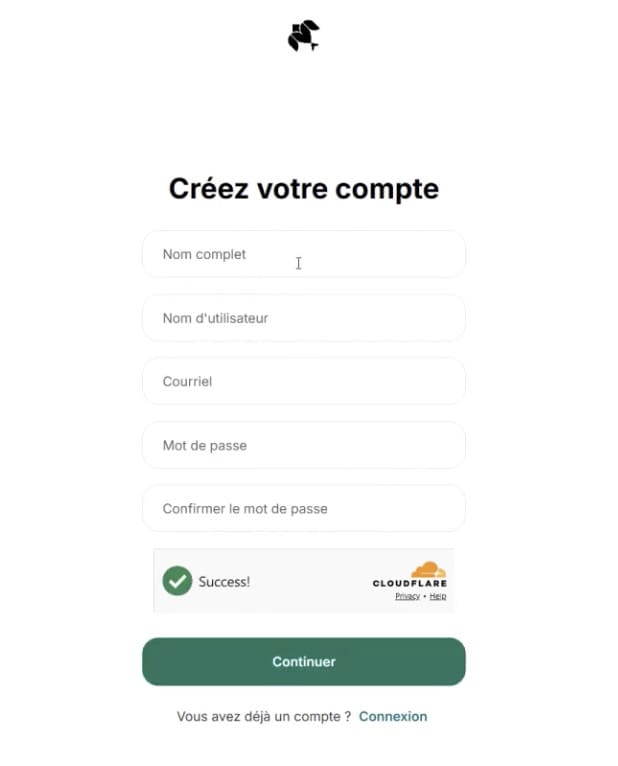
Step 2 - Fill in the form
Complete the following fields:
- Full name
- Username
- Email address (must match exactly the one used in the invitation email)
- Password
- Password confirmation
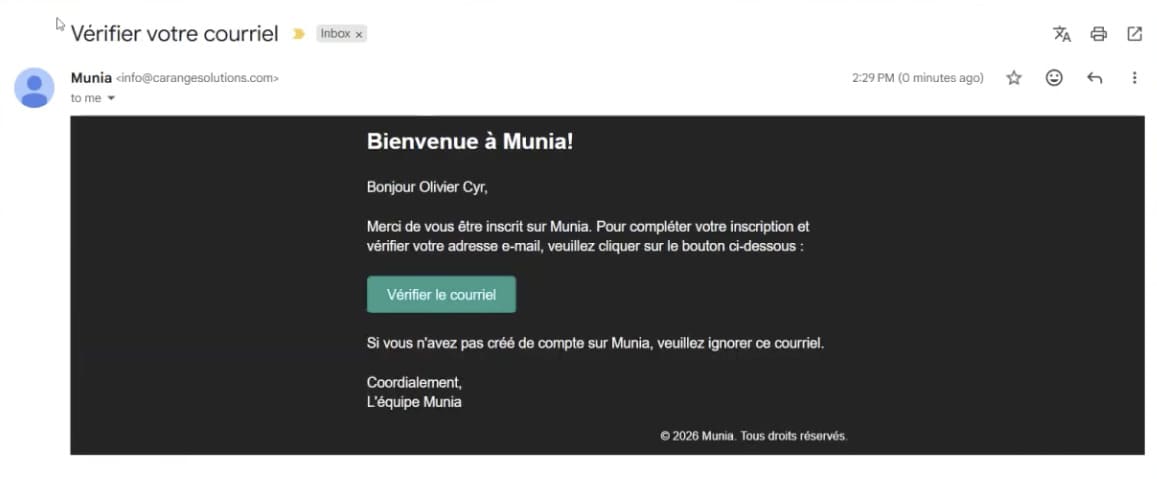
Step 3 - Verify your email
A second email titled "Verify your email" will be sent to you automatically. Click the "Verify email" button to activate your account.
Step 4 - Accept the terms
On your first sign-in, accept the terms of use as well as the cookies to complete the activation of your account.
Your account is active and you can sign in to the Munia platform with your credentials.
Forgotten password
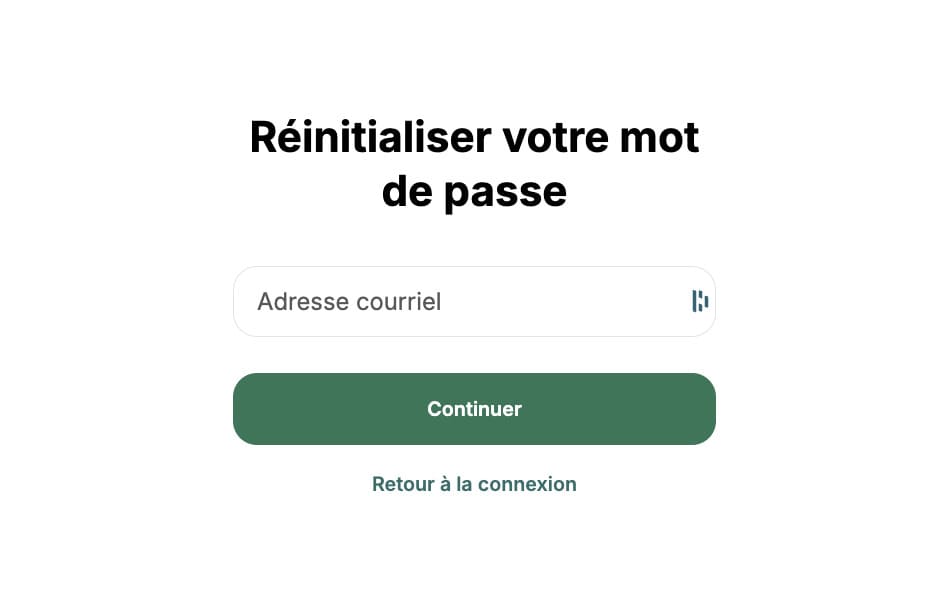
On the Munia home page, click "Forgot password", enter your email address, then check the email titled "Password reset request". Click "Reset password" and enter your new password.
To go further:
🎥 Next tutorial ➡️ 2 - Munia interface